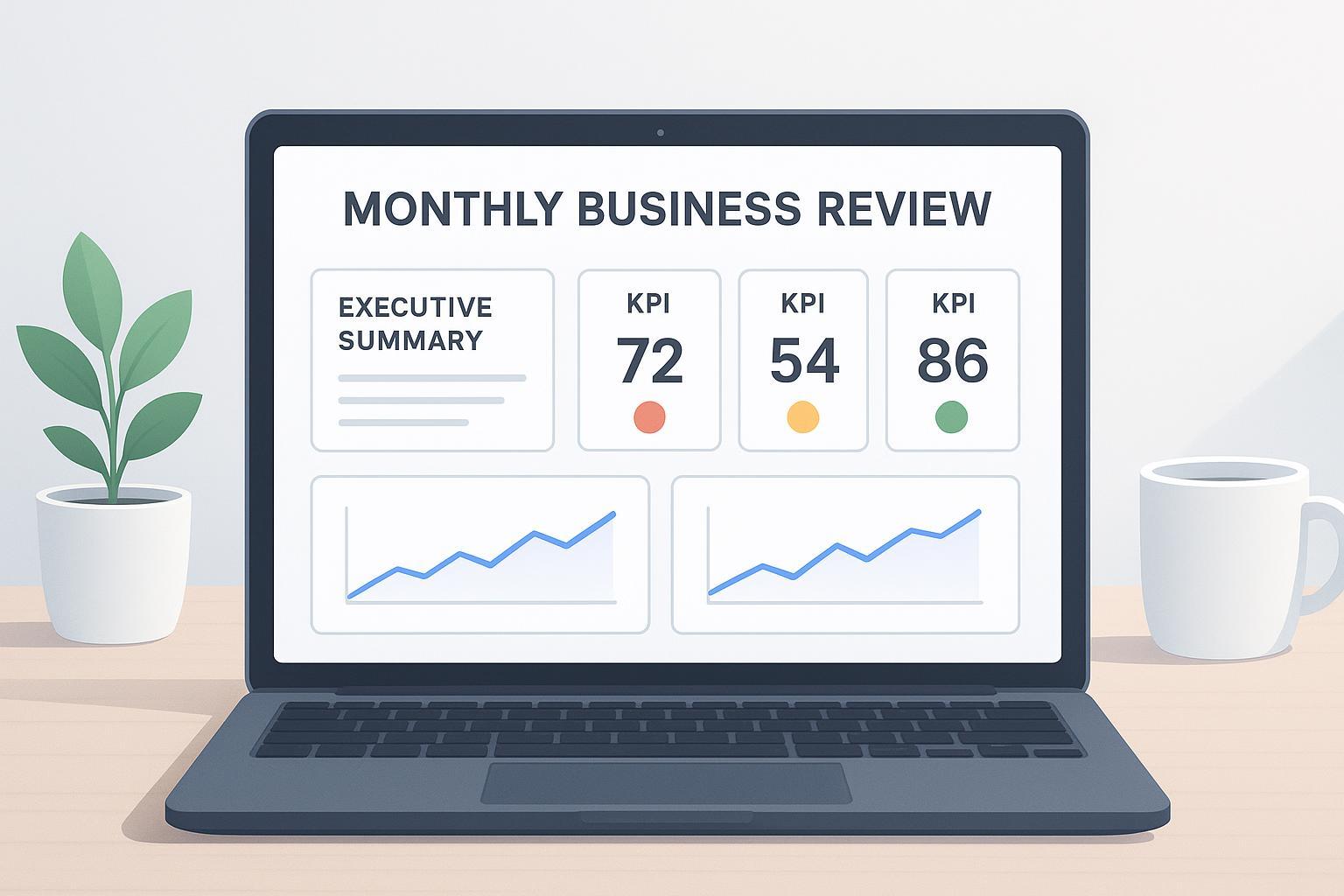
A dependable Monthly Business Review (MBR) keeps your team aligned, highlights what’s off-track early, and drives clear next steps. This guide shows founders and ops/marketing leads at SaaS and eCommerce SMBs how to build an executive-ready, AI‑assisted MBR deck directly from CSV/Excel—with standard KPIs, clean visuals, and a tight narrative.
According to practical templates from SaaS operators, an effective MBR prioritizes an executive summary, KPI scorecards with targets vs. actuals, risks with mitigations, and owners with due dates. See the structure described by the SaaS Operations team in the 2026 resource on scorecards and pacing in their Monthly Business Review template, referenced as SaaS Operations’ MBR template overview.
Key takeaways
Start with a one-slide executive summary and 8–10 KPIs max; lead with the recommendation, then evidence.
Standardize KPI formulas (e.g., NRR, churn, CAC; AOV, conversion) and lock definitions to stop reporting drift.
Use trend charts with annotations, RAG status against targets, and a simple risk matrix with owners.
Link charts from Sheets→Slides or Excel→PowerPoint so monthly refresh is fast and auditable.
Circulate the pre-read 2–3 days before the meeting; spend the live session on variances and decisions.
Quick start: outline a working MBR
If your exports are already prepared, here’s a quick path you can reproduce in Google Sheets/Slides or Excel/PowerPoint. The time needed depends on data quality and how much reconciliation remains:
Gather the review month plus the opening balances, prior-period snapshots, and history needed for each comparison: at least the preceding month for MoM growth, opening customer and MRR balances for retention, and the full period shown in each trend chart. Sources can include Stripe Billing analytics and invoice exports (keep MRR and billings separate), GA4 ecommerce purchases (sessions, purchases, revenue), Meta Ads (spend, website_purchase_roas), HubSpot (new customers), and QuickBooks P&L (costs). Use each vendor’s export flow; for example, Stripe supports CSV exports from its Invoices/Subscriptions pages as described in 2025 docs under exporting and subscriptions import toolkits in Stripe’s help collection.
Paste raw CSVs into a “Raw” tab per source. Create a “Calculated” tab for KPIs (MRR growth, NRR, churn, CAC, LTV:CAC; AOV, conversion, CLV). For NRR definitions, align with the 2025 explanations in ChartMogul’s NRR guide; for CAC, refer to the 2024 primer in Baremetrics Academy on CAC; for AOV and conversion concepts, see the 2024 overviews in Mixpanel’s analytics guides.
Build one trend chart per KPI (30–90 day window). Add action titles like “Churn spiked in Week 3—reengage at-risk cohort.”
Create a Slides/PowerPoint deck and link charts: Sheets→Slides (Insert chart → From Sheets → Link to source) or Excel→PowerPoint (Paste Special → Paste link). The Pyramid Principle and “action title” framing are summarized in the 2025 primer SlideUpLift’s McKinsey-style presentation guide.
You now have a minimum viable Monthly Business Review deck structure. Reuse its mappings, KPI definitions, and layouts next month, then verify the refreshed results.
Step 0: Pre‑flight data inventory
Before calculations, list what you’ll use and how it will stay consistent:
Sources and owners: e.g., Stripe (Finance), GA4 (Growth), Meta Ads (Paid), HubSpot (Sales), QuickBooks (Finance). Note update cadence and permissions.
Time zone and month-close: choose a canonical timezone; define the month-close cutoff so MRR and revenue align.
Primary keys: email/user ID for SaaS; order ID/customer ID for eCommerce. Document joins and dedupe rules.
Targets: set monthly targets or OKR key results; record them next to KPIs for RAG.
Checkpoint: Reconcile each calculated metric to its designated source using the same entity, period, currency, and accounting basis. Keep billings, cash receipts, recognized revenue, and MRR separate. Document any reconciliation bridge for service periods, deferred revenue, taxes, refunds, and currency differences; invoice or cash totals do not automatically equal recognized revenue. See Stripe’s revenue recognition methodology for the distinction between earning revenue and collecting payment.
Step 1: Ingest and map data
Work with the exports you can reliably reproduce each month:
Stripe: Export invoices or subscriptions to CSV (Invoices/Subscriptions pages; see 2025 dashboard docs in the Stripe help collection linked above). For MRR, use a Billing analytics MRR export or normalize eligible recurring subscription amounts to a monthly value, such as an annual recurring charge divided by 12. Document subscription-status, discount, tax, currency, reporting-date, and time-zone policies; do not treat invoice totals as MRR. See Stripe’s MRR definition and downloadable reports.
GA4: Export ecommerce or acquisition metrics via Share → Download CSV; for advanced derivations like AOV or funnel conversion, derive in Explorations or Looker Studio. Refer to Google’s 2025 help on ecommerce reporting dimensions/metrics catalogs.
Meta Ads: Export ad account insights (spend, purchases, website_purchase_roas) from UI or via the Insights API which supports CSV; definitions are in the 2025 Meta Marketing API Insights reference.
HubSpot: Export contacts/deals/new customers as CSV from list views or dashboards; HubSpot’s 2025 knowledge base covers export flows for contacts and reports.
QuickBooks Online: Export P&L to Excel and save as CSV; Intuit’s 2025 guidance notes many reports export to Excel first, then CSV.
Shopify: Admin → Orders → Export; verify actual header names in your CSV before mapping (Shopify’s public docs vary by store configuration, so rely on your live export for the schema).
Tip: Keep a “Data Map” tab that records source column → standardized column (e.g., event_date → date, net_amount → revenue_usd). Think of this like a translation phrasebook—one you’ll reuse every month.
Step 2: Normalize and calculate KPIs (SaaS + eCommerce)
Lock definitions to stop drift. A few anchor formulas and scope notes:
Net Revenue Retention (NRR): this example uses (Starting MRR + Expansion − Churn − Contraction) ÷ Starting MRR × 100, excluding new business and reactivation MRR. Reactivation treatment varies: ChartMogul’s NRR documentation includes it by default and provides an exclusion setting. Record the convention in your glossary and use it consistently. When Starting MRR is zero, report N/A rather than dividing by zero.
Customer churn (monthly, logo churn): churned customers ÷ customers at start of month × 100. Benchmarks vary; the definition should be explicit in your glossary.
CAC: total sales+marketing spend ÷ new customers in period. See Baremetrics Academy CAC primer (linked above) for scope choices.
LTV and LTV:CAC: a simplified revenue LTV is ARPU ÷ customer churn rate, using a decimal churn rate and the same period for ARPU and churn. Multiply by gross margin for a gross-profit LTV, and label which measure you use. This steady-state approximation is unreliable with zero or unstable churn; use a cohort model in those cases.
AOV: use the chosen order-revenue measure ÷ completed orders, with a consistent refund and discount policy. Session purchase conversion rate: sessions with at least one completed purchase ÷ total eligible sessions × 100. Counting orders ÷ sessions instead measures orders per session and can differ when a session contains multiple orders. See Google Analytics metric definitions for the session-based denominator.
CLV (transaction businesses): use a cohort-based lifetime-value model with an explicit horizon. If you start with trailing 12-month spend per customer, label it as a 12-month customer revenue measure rather than CLV.
Implementation pattern (Sheets/Excel):
Create a Calendar table with the month, start/end dates, and a close cutoff. Normalize all timestamps to this calendar.
Make a “Calc” tab with one row per month and columns for each KPI; store both Actual and Target.
Add RAG logic for each KPI’s direction. For higher-is-better metrics, Green means Actual ≥ Target; Amber can mean up to 5% below Target; Red means further below. For lower-is-better metrics such as churn or CAC, Green means Actual ≤ Target; Amber can mean up to 5% above Target; Red means further above. Treat 5% as an illustrative tolerance, and define absolute thresholds for zero or negative targets.
Checkpoint: Recompute two KPIs manually on a small sample (e.g., NRR and AOV). Values should match your sheet within rounding.
Step 3: Build visuals and link them to slides
Visual conventions improve comprehension and speed of decisions:
Use one chart per KPI (line for trends, column for breakdowns). Add brief annotations for anomalies (e.g., “Supply delay hit Week 3 conversions”).
Keep y‑axis consistent across related charts (e.g., churn %) to avoid visual distortion.
Scorecard slide: show KPI, Target, Actual, RAG, and a tiny sparkline.
Link charts to your deck for refresh:
Google Sheets → Google Slides: Insert → Chart → From Sheets → select chart → “Link to source.” Refresh using Tools → Linked objects → Update all.
Excel → PowerPoint (Windows desktop): copy the chart, then use Home → Paste → Paste Special → Paste link, selecting the Excel chart object when available. Save the presentation before managing links. To refresh or repair a source, use File → Info → Edit Links to Files, or right-click the linked object and choose Update Link. See Microsoft’s linked-file guidance. Link options differ by platform; test the saved deck on the computer used for presentation.
Checkpoint: open the deck, update linked objects using the controls available in your slide app, and compare chart values with the source workbook. Confirm that layout and labels remain intact.
Step 4: Assemble slides and the narrative
Give each slide an action title and lead with the recommendation. The Pyramid Principle (recommendation → 3–5 supports → evidence) keeps exec time focused; a 2025 explainer is available in SlideUpLift’s McKinsey-style guide. Suggested sequence:
Executive summary (one‑slide read): one recommendation, 3–5 bullets of why, and next actions with owners.
KPI scorecards (limit to 8–10): Targets vs. Actuals with RAG and short notes.
Acquisition and funnels: traffic → conversion → CAC/ROAS; call out bottlenecks.
Revenue and retention: MRR growth/NRR/churn for SaaS; AOV/CLV/repeat rate for eCommerce.
Financials: burn, runway, margin.
Risks & mitigations: 3×3 likelihood×impact matrix; assign an owner and a due date to every mitigation. For meeting hygiene and decision focus, see Bain’s 2024 advice in How to make the most of executive team meetings.
Checkpoint: Can someone read only the titles and side notes and still grasp the story? If not, tighten wording until they can.
Step 5: Pre‑read checklist and the meeting runbook
Great reviews are won before the room:
Pre‑read: Send 2–3 days in advance. Ask reviewers to comment questions in the deck; flag decisions needed.
Freshness: Confirm all links updated and the “As of” date is on the cover.
Decision log: Create a slide or doc that records the decision, owner, and due date. Close each section by validating the owner/timeframe.
Cadence and OKRs: Tie monthly results to quarterly OKR targets so trends roll up cleanly. For cadence alignment across month and quarter, the 2025 planning notes in Mooncamp’s OKR cadence overview are a helpful reference.
Meeting flow: Spend 70% of time on off‑track items and trade‑offs, 20% on key wins and learnings, 10% on emerging topics. End by revisiting the decision log.
Troubleshooting and FAQ
Totals don’t reconcile: Normalize time zone and confirm month-close windows match across sources. Check for canceled/refunded orders and tax/shipping treatment.
KPI definitions drift between teams: publish a one-page glossary with worked examples. For NRR, exclude new business and state whether reactivation MRR is included; keep the same policy across the calculation, comparison periods, and dashboard.
GA4 is missing a clean “AOV” metric: Derive AOV from revenue ÷ purchases in Explorations or Looker Studio; ensure the same attribution window is applied when comparing to ad platforms.
Linked charts won’t refresh: in Google Slides, use Tools → Linked objects → Update all. In PowerPoint for Windows, save the deck, then check File → Info → Edit Links to Files and use Update now or Change Source. Confirm that the workbook is accessible; reinsert a linked chart if repairing the source path does not solve the problem.
Automation failed overnight: Keep a manual fallback (CSV exports) and a data freshness badge on the deck cover.
Practical example (neutral): from KPI table to scorecard slide with AI
The following is an illustrative workflow using your own reviewed KPI data. You can use hiData AI Sheets for spreadsheet analysis and AI Slides to draft a presentation:
Upload your CSV/Excel with a tidy KPI table (e.g., Month, KPI, Actual, Target, Owner).
Ask AI Sheets to compare Actual with Target using the direction and thresholds defined for each KPI, then review the resulting values and charts.
Use the reviewed table and findings to draft a scorecard presentation in AI Slides. Keep the source table and calculation notes with the final deck so reviewers can trace the numbers.
Keep a human in the loop: verify KPI formulas against your glossary, confirm targets, and sanity‑check annotations before sharing the deck.
Build your Monthly Business Review deck template: appendix glossary
Below is a concise formula glossary you can paste into your “Calc” tab as notes. For deeper context, see the linked primary sources mentioned earlier.
KPI | Short definition | Working formula (monthly) |
|---|---|---|
Net Revenue Retention (NRR) | Revenue retained from existing customers; this example excludes new business and reactivation | (Starting MRR + Expansion − Churn − Contraction) ÷ Starting MRR |
Customer churn (logo) | Percent of customers lost in month | Churned customers ÷ customers at start of month |
CAC | Cost to acquire one new customer | Sales+Marketing spend ÷ new customers |
LTV (simple) | Simplified expected revenue per customer; multiply by gross margin for gross-profit LTV | ARPU ÷ customer churn rate (decimal); match periods and avoid zero churn |
AOV | Average order value for ecommerce | Chosen order-revenue measure ÷ completed orders |
Conversion rate | Session purchase conversion | Sessions with at least one purchase ÷ eligible sessions |
Sources for definitions and scope notes: NRR and churn are widely documented; see 2025 explanations in ChartMogul’s NRR guide and churn glossary, CAC is outlined in the 2024 Baremetrics Academy primer, and AOV/conversion concepts are summarized in the 2024 Mixpanel analytics guides (all linked earlier in this tutorial).
What “good” looks like next month
Data refresh follows a documented sequence because exports, mappings, and links are standardized; measure the time saved against your own baseline.
The executive summary slide stands alone; owners and due dates are up to date.
The deck tells a clear “so what?” story: a single recommendation up front, evidence on follow‑up slides, and a short decisions log that actually gets done.
With this workflow, your Monthly Business Review deck template becomes a reliable operating system for the business—one you can maintain with small, disciplined monthly rituals rather than heroic reporting sprints.