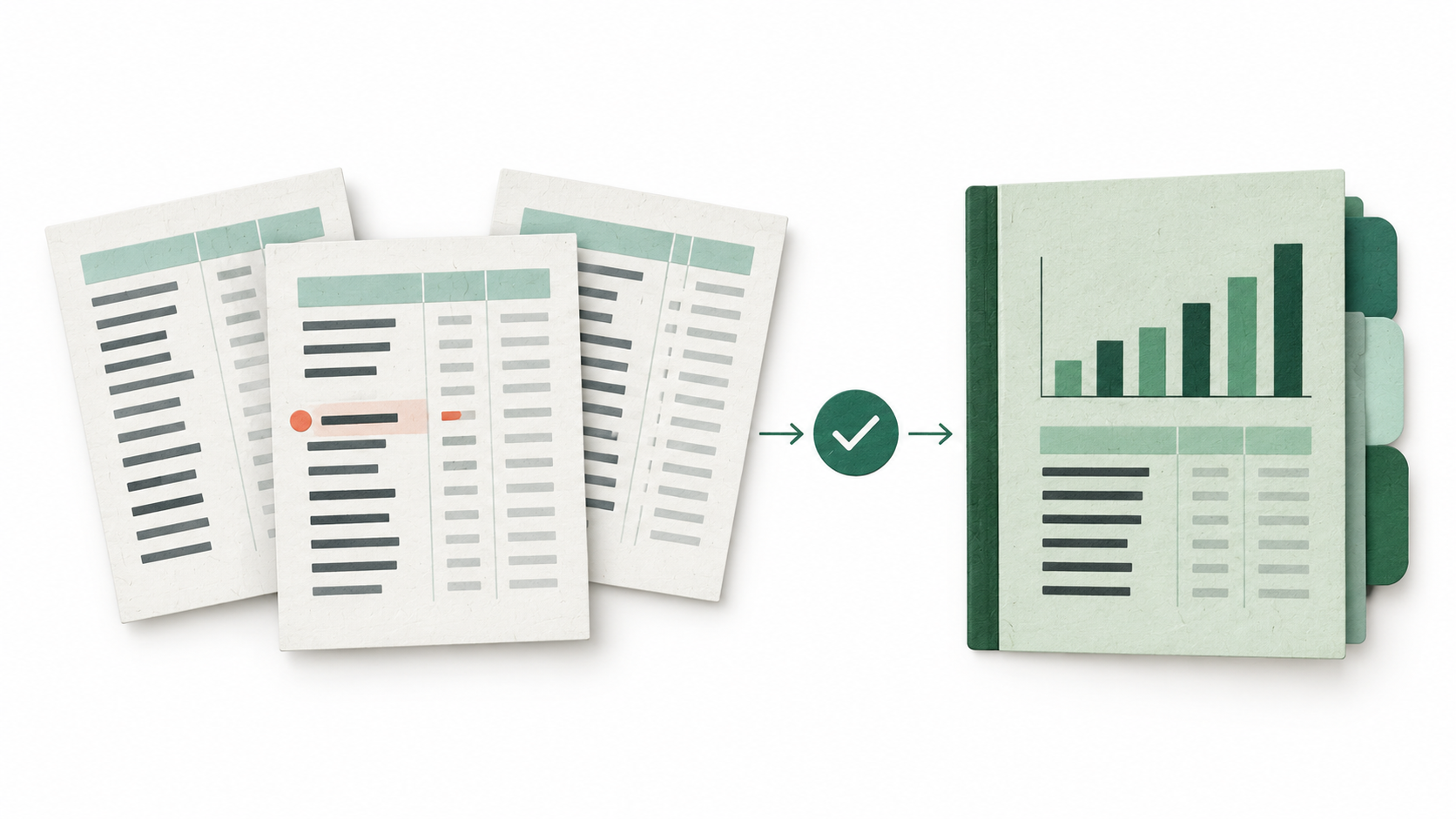
Financial reporting automation uses software to collect financial data, apply agreed rules, update calculations and templates, check results, and prepare reports for review and delivery. It supports management reporting, financial statements, departmental summaries, and reporting across entities, depending on the available records and requirements.
Concept illustration shown above.
For a small finance team, a useful starting point is the monthly report: the same files to collect, account names to align, totals to check, and summary to prepare. Once that work has a dependable method, software can execute it again with next period's files.
This guide explains how to build that repeatable financial reporting workflow, using a hypothetical professional services company throughout.
What does financial reporting automation cover?
Automated financial reporting can cover the journey from source records to a finished report: importing data, standardizing formats, applying mappings, calculating defined measures, populating templates, and preparing outputs. Some implementations also manage approvals, distribution, and reporting history. IBM's overview of financial reporting automation describes this wider scope across data processing, financial reports, and review.
The starting point may be connected accounting systems or approved exports. A small business can automate a recurring report from files before investing in system connections. The report will reflect the files' reporting date and export version; automation alone does not make it a live view.
Management reports have different requirements from statutory financial statements. A monthly summary from approved accounts is a manageable first project. Complete statements require complete accounting records, applicable policies, supporting schedules, and review.
Why monthly financial reporting takes so much repeated work
Much of the effort happens before the report exists. Someone follows up on missing files, identifies the latest export, changes date formats, checks monthly versus year-to-date values, and moves figures into the template.
Small differences multiply the work. One employee labels a department "Consulting," another uses "Advisory," and an expense export introduces a new account. A copied workbook still contains last month's heading. The preparer remembers how to fix these issues, but a replacement colleague needs those decisions explained again.
Financial reporting automation for small businesses is valuable when it reduces this repeated preparation and preserves the team's method. For an accounting practice serving several clients, each client needs its own sources, mappings, accounting basis, and approval history, even when the report layout is shared.
Which reporting tasks should run automatically?
Good candidates have clear instructions and a checkable result. Software can compare files with an expected list, standardize headers, apply mappings, calculate comparisons, refresh a report, and list failed checks. A defined task should produce the same result from the same approved inputs.
Finance judgment remains necessary where the rules are unsettled. Someone must approve a new account classification, decide the treatment of an unusual transaction, confirm an accrual, and approve the final report. AI can propose a mapping or draft an explanation, but approval establishes whether it belongs in the reporting process.
Document how exceptions affect delivery. A missing required file, an unexplained difference, or an unmapped amount should stop the affected output from being approved. An unusual but correctly reported expense can remain in the figures with an assigned follow-up. KPMG's guide to AI and automation in financial reporting provides a useful reference for assessing tools, process controls, and responsibility.
How to build a repeatable financial reporting workflow

1. Define the report and its accounting basis
Specify the audience, reporting period, entity, currency, units, and deliverables. Agree which source owns each figure and who approves the result. For our hypothetical company, the owner wants a monthly operating summary, receivables and payables balances, an exception list, and a short management narrative.
The report uses approved accrual-based accounts. Cash receipts do not become revenue simply because they appear in a bank file, and supplier payments do not establish the month's expenses. Complete transaction capture and adjustments through the separate month-end close process before approving the accounting exports for reporting.
2. Fix the input files, locations, and versions
Keep a separate folder for each client or entity and period, with original exports preserved. Record each file's source, covered period or as-of date, export time, and approval status. Name one accepted version so the workflow cannot combine an earlier draft with its replacement.
The example's September 2026 reporting package has these inputs:
| Input | Agreed role in the report |
|---|---|
| Approved September and August P&Ls | Authoritative monthly operating results and comparison |
| September expense detail | Supporting rows for the P&L expense accounts, excluding financing and tax |
| September 30 AR and AP detail | Closing open balances and overdue amounts, with accountant-approved control totals |
| Approved account map and report template | Classifications, formulas, labels, and output structure |
If an expected file is absent, record it as missing. Reusing last month's data to fill the gap would make an incomplete report look current.
3. Save mappings and reporting definitions
Maintain a mapping from stable account codes to report lines, retaining original descriptions. Save approved department aliases, period formats, sign conventions, currency, and units in the same reporting instructions. Match account codes exactly; similar names may represent different treatments.
For this company, delivery personnel costs and operating expenses have separate report lines. A new software account needs an approved destination before the process continues. Any currency translation requires a defined rate source and method. Keep a version of the mapping used for each issued report so a later change cannot silently rewrite history.
4. Check records before updating the report
Check required fields, entity, periods, currencies, and mapping coverage. Define duplicates using the source system's record identifiers and line structure: the same invoice can legitimately appear on several expense lines. Retain file and row references for every flagged record.
In the example, the expense export totals SGD 129,300, while the approved September P&L shows SGD 126,000 in the covered expense accounts. The checks identify a repeated SGD 2,400 export line, an SGD 900 August entry, and an unmapped SGD 1,800 software expense. These become three separate review items. Nothing is silently deleted or assigned to "Other."
5. Populate the template and defined calculations
Once inputs pass review, refresh the established report lines and calculations. Match by account and period rather than relying on a row's position. Update headings, comparison dates, and explanatory notes alongside the values. Keep formula cells separate from editable inputs.
Our example calculates operating profit as revenue less delivery personnel costs and operating expenses. It uses the approved P&Ls for the result; the expense detail explains and checks those expenses without being added again. Receivables and payables appear separately as closing balances. These inputs do not support a complete balance sheet or cash flow statement.
6. Reconcile outputs and resolve exceptions
Agree report totals to their approved sources. Compare the covered expense detail with the corresponding P&L accounts, receivables and payables with their supplied control totals, and each summary figure with its supporting calculation. Define any rounding tolerance explicitly.
Give each exception an amount, source reference, owner, resolution, and status. In this example, a reviewer confirms the SGD 2,400 line was duplicated during export and approves excluding the SGD 900 wrong-period entry from the September working dataset. The accounting owner maps the SGD 1,800 software cost to operating expenses. The cleaned expense total is 129,300 - 2,400 - 900 = SGD 126,000. The software amount remains included.
7. Review, deliver, archive, and reuse
The reviewer checks figures, explanations, and unresolved items before release. Preserve accepted sources, mapping version, calculations, exception resolutions, final report, and approval record together so the exact delivered report can be retrieved.
Next month, start a new period folder and change the period settings. Reuse the approved mappings, template, calculations, and checks; carry forward only unresolved items. A replacement export triggers another run and review rather than an invisible overwrite. If slides are required, the Excel-to-PowerPoint automation guide covers that presentation stage.
Worked example: the finished monthly management report
The figures below are hypothetical, created to demonstrate the workflow. They are not customer results or evidence of a hiData deployment. All amounts are SGD, for one entity; expenses are shown as positive values.
After the three preparation exceptions are resolved, the approved report contains:
| Reporting line | August 2026 | September 2026 |
|---|---|---|
| Revenue | 165,000 | 180,000 |
| Delivery personnel costs | 86,000 | 92,000 |
| Operating expenses | 30,000 | 34,000 |
| Operating profit | 49,000 | 54,000 |
| Closing receivables | 90,000 | 96,000 |
| Overdue receivables | 24,000 | 30,000 |
| Closing payables | 38,000 | 42,000 |
| Overdue payables | 6,000 | 8,000 |
The August balance figures come from the archived approved August report. September AR and AP detail agree to the supplied control totals of SGD 96,000 and SGD 42,000. Overdue balances are subsets of those totals, measured against due dates at each month-end. They are not additional revenue or expenses.
Operating profit checks both ways: 180,000 - 92,000 - 34,000 = 54,000. The SGD 5,000 improvement from August equals the SGD 15,000 revenue increase less SGD 6,000 higher delivery personnel costs and SGD 4,000 higher operating expenses.
The final package contains the summary workbook, a preparation-exceptions sheet, and reviewed commentary. The exceptions sheet retains the three resolved preparation issues and flags the SGD 6,000 increase in overdue receivables for the collections owner. That follow-up does not change correctly reported revenue.
Example management summary
Performance. September revenue rose by SGD 15,000. Higher delivery personnel costs and operating expenses absorbed SGD 10,000 of that increase, leaving operating profit SGD 5,000 higher.
Receivables. Overdue customer balances increased from SGD 24,000 to SGD 30,000. The collections owner should identify the invoices behind the increase and follow up.
Payables. Of the SGD 42,000 owed to suppliers, SGD 8,000 was overdue. Finance should review those items before preparing the next payment run.
The figures establish movements. Explaining their causes requires additional evidence. For deeper interpretation, use the financial statement analysis guide.
In October, the team supplies October and September P&Ls, October expense detail, and October 31 AR and AP exports. The approved software mapping, duplicate-key definition, formulas, and output layout carry forward. Period checks, reconciliations, and review run again against the new files. For another client, the common layout can be reused with that client's own approved configuration.
Choosing a financial reporting automation approach
Fixed templates, Power Query, and scripts
These suit stable exports and calculations that someone can maintain. Microsoft documents how Power Query combines same-schema files from a folder and refreshes the results for another month. Scripts can extend the sequence to other defined file tasks.
Evaluate maintenance as part of the choice: who repairs a changed column, approves formula updates, or helps a new colleague run the process? A low-cost setup still needs an accessible explanation of its rules.
Accounting and specialist financial reporting systems
Start with existing accounting software when its reports already meet the need. Specialist systems become relevant when the work requires entity consolidation, intercompany eliminations, controlled reporting hierarchies, or formal approval processes.
Test the required output against actual source systems and accounting policies. An attractive management dashboard does not establish that a system can produce the statutory statements or consolidation your business requires.
File-based AI Agents
An AI Agent can execute a sequence across files, spreadsheets, and office tasks using an agreed procedure. This approach is relevant when the monthly work involves several files and deliverables, with a finance owner available to approve rules and exceptions.
A locally running agent can work with files in an authorized local environment. Confirm where models execute, whether any content reaches external services, which folders are accessible, and how execution records are retained. Local execution and fully offline processing are separate questions. Test the same workflow on a prior period and a new period, including missing-file and changed-format cases.
How hiData fits a recurring reporting workflow
hiData's on-device AI Agent focuses on executing validated, repetitive file, spreadsheet, and office workflows locally. For financial reporting, the useful starting point is the procedure described above: agreed inputs, approved mapping rules, a fixed template, defined checks, and an exception list for review.
The work handed over should be concrete: prepare the monthly files, apply the accepted rules, update the reporting outputs, and return the exceptions that need attention. A pilot should demonstrate the full sequence on the team's files, including what happens when a required check fails and how a colleague repeats the run.
The overseas AI Sheets and AI Slides pages describe the web products for spreadsheet processing and presentation creation. The local Agent is a separate implementation option. Confirm the relevant edition and deployment for your workflow, including application access, triggers, scheduling, hardware, and licensing.
Measure results across reporting cycles
Record a baseline before the pilot, then measure comparable periods. Track hands-on preparation time, rework rounds, time from accepted inputs to approved delivery, and unresolved exceptions by age. Keep time waiting for source files separate from processing time so the team can see where delays remain.
Include maintenance effort and handover in the evaluation. Ask another colleague to produce the report from the saved instructions. A workflow is easier to sustain when routine execution, exception handling, and changes are understandable beyond its original preparer.
Frequently asked questions
Does financial reporting automation require AI?
No. Templates, formulas, Power Query, scripts, and accounting systems can automate defined tasks. AI becomes useful when the work also involves interpreting varied file structures, coordinating steps, or drafting explanations from reviewed figures.
Can a small business automate reporting without replacing its accounting software?
Yes. Start with approved exports and one recurring management report. Keep the accounting system as the source of record, document the transformations, and reconcile the output. Add connections when they solve a demonstrated need.
Can automation generate all financial statements from a P&L and invoice exports?
Those files are insufficient for a complete set. Balance sheets and cash flow statements require additional balances, movements, and accounting adjustments. Define the output around available evidence or obtain the missing records before expanding it.
What changes when the next month's files arrive?
The period settings, source versions, and values change. Approved mappings, calculations, template structure, and validation rules can be reused. New accounts, changed formats, and late adjustments require review before the next report is approved.
What should a small team automate first?
Choose a recurring report with stable inputs, agreed definitions, and totals that can be checked. A monthly operating summary with an exception list is a practical candidate. Expand after testing the process across periods and with a second preparer.
Discuss your financial reporting workflow
Start with one monthly reporting routine your team has already verified. Discuss your financial reporting workflow with hiData to assess a suitable implementation for your files and reporting needs.