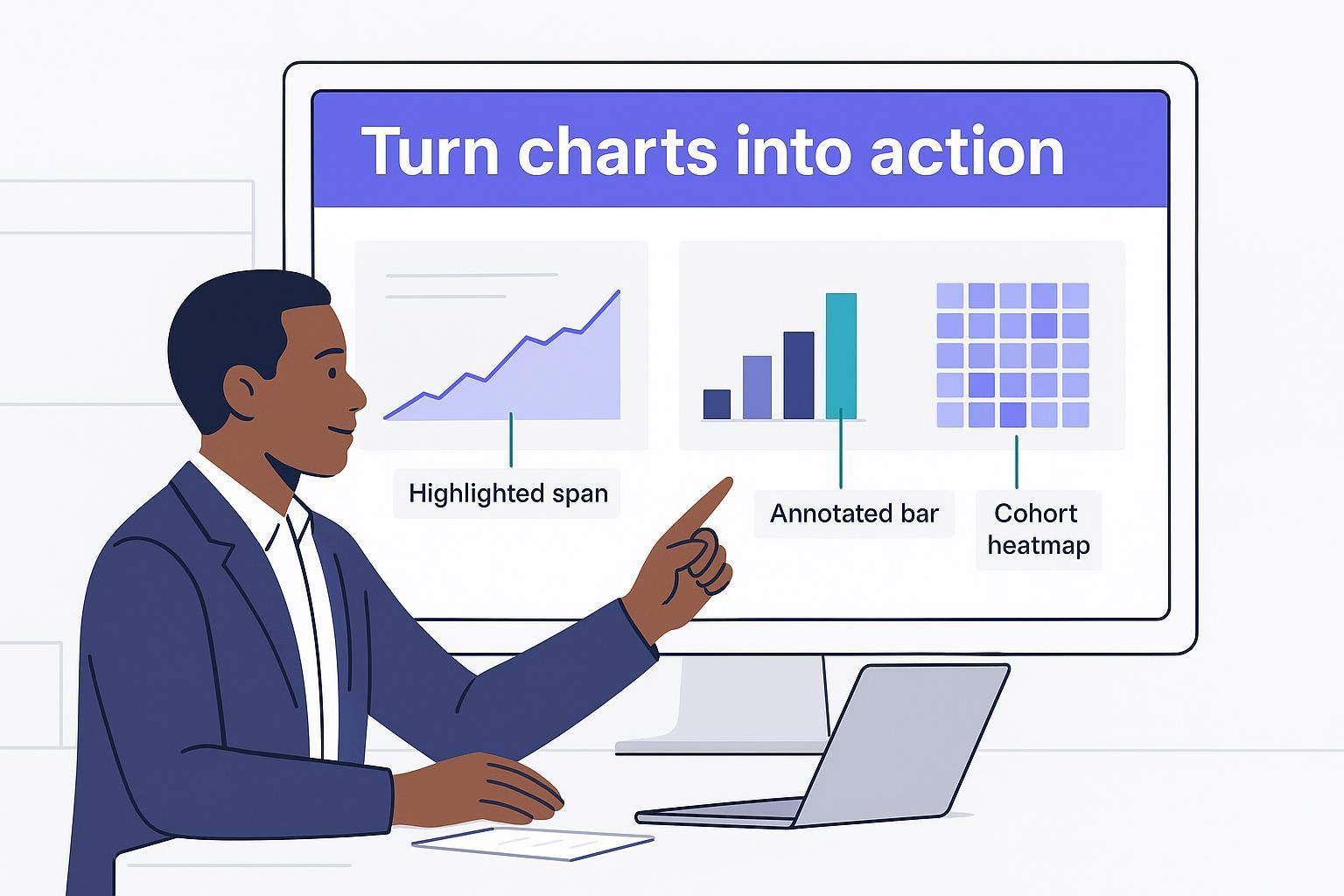
If your meetings stall on slides that describe what a chart shows but not what to do next, you’re not alone. The fix isn’t fancier visuals—it’s sharper writing. In the next few minutes, you’ll learn a fast, repeatable way to turn any chart into a clear, three-to-five line insight with evidence and one next step. The goal is to make the evidence, its limits, and the next decision easier to assess.
Key takeaways
Put the message in the title. Use a sentence-case, action-oriented headline that states the “so what,” backed by 1–3 concise evidence points in the body.
Validate before you write. Run a six-step check for recency, like-for-like comparisons, scales, outliers, clarity, and actionability.
End with a recommendation, owner, and timing. A next step can be a decision, a test, or further validation when the evidence is incomplete.
Use templates to move fast. A simple framework and a few micro-templates help you draft concise insights once the data has been validated.
The fast framework: Chart → Check → Write → Recommend
Start with a message-first mindset and keep the visual simple. Reduce clutter, use direct labels, and highlight the focal series so readers see the point quickly. The University of Missouri’s guidance recommends leading with the conclusion, reducing visual noise, and using clear labels—principles that help your writing, too—see Sharing Your Work: Tell the Best Data Story. For text that accompanies visuals, Datawrapper’s recommendations on short, purposeful annotations and accessible contrast are gold; see Text in data visualizations for patterns that keep the message front and center.
Before you draft a word, sanity-check the data. Confirm the time window, definitions, and baselines. Avoid mixing apples and oranges; normalize by cohort or period when relevant. Titles should be in sentence case and state the main takeaway, a technique popularized by Cole Nussbaumer Knaflic; see Transforming slide titles for examples of turning labels into takeaways.
When you write, lead with the takeaway in the title, then support it with one short paragraph that cites the evidence (numbers, time range, comparison). Name a driver only when supporting analysis establishes it; otherwise label the explanation as a hypothesis. Close with a concrete recommendation that includes an owner and a timeframe. Keep your language plain and specific. Separate observed facts, possible explanations, and recommendations. Use “If confirmed, then…” when a decision depends on validation.
Finally, make the recommendation operational. One next step, one owner, one review date. If the situation calls for monitoring, add a simple threshold (“If CAC > $120 for two weeks, pause creative A”). This step is where your insight becomes a decision.
Micro-templates to write insights from charts fast
Use these copy-ready templates to draft faster. Replace bracketed text with your specifics and keep titles in sentence case.
Trend headline
[Metric] rose/fell by [X%] between [Period A] and [Period B]. Supporting analysis identifies [verified contributor]; otherwise, test [possible explanation]. Recommendation: [action] (Owner, in [timeframe]).
Comparative headline
[Segment A] was [X%] higher/lower than [Segment B] on [metric] during [comparable period]. Test [budget/resource change] after checking [cost, sample size, and other constraints]. Review in [timeframe].
Outlier callout
On [date], [metric] spiked to [value]. A possible explanation is [reason], which requires [supporting evidence]. Validate data quality; if confirmed, [action].
Cohort insight
The [start month] cohort shows [Y]% retention at month 3 vs. [Z]% baseline. Test [feature/offer] for the next cohort.
Forecast note
If [documented assumptions] hold, the forecast suggests [threshold] by [date], with [uncertainty range]. To manage [risk], [action] (Owner, due [date]).
Two or three sentences are usually enough. The goal is to consistently write insights from charts that a busy reader can scan in under 15 seconds.
Sentence stem | How to use |
|---|---|
The data shows [X]; supporting analysis identifies [Y] as a contributor. | Separate the observed result from an explanation supported by additional evidence. |
Compared to [prior period], [segment] is now [X%] [higher/lower]. | Anchor your claim with a baseline. |
The largest contributor to [total/variance] is [driver] at [X%]. | Quantify what matters most. |
Excluding [outlier/event], the underlying trend is [direction]. | Show the full result alongside the exclusion, and explain why it is justified. |
After adjusting for [seasonality/holiday], [metric] shows [pattern]. | Document the adjustment method and show the unadjusted comparison too. |
[Campaign/channel] efficiency improved to [ROAS/CAC], suggesting [next step]. | Tie performance to action. |
[Region/product] underperformed on [metric]; test whether [factor] explains the gap before changing budget. | Link a proposed resource change to evidence and a review condition. |
Forecasts suggest [X] by [date]; prepare [contingency]. | Add foresight and risk handling. |
[Cohort] retains [Y]% at month [N], compared with [baseline]% for a comparable cohort. | Summarize retention insights succinctly. |
The recommendation is to [action] because [evidence]; decision by [date]. | Close the loop with timing. |
Given [constraint], prioritize [initiative] and review impact in [timeframe]. | Make tradeoffs explicit. |
Validate [assumption/driver] via [experiment] before scaling. | Encourage test-then-scale discipline. |
From caption to action: three worked examples
The following examples use hypothetical figures to illustrate the writing method; they are not customer results. Each rewrite separates the observed comparison from the evidence still needed for a decision.
Example 1: Weekly ROAS trend
Weak caption: “Weekly ROAS by channel.”
Rewritten insight: Paid Social ROAS rose about 21.4% during Feb 5–Feb 25, from 2.8 to 3.4, while Display declined from 1.6 to 1.5. This coincided with a creative refresh but does not establish its effect. Proposed next step: test a 10% budget shift from Display only if attribution and marginal returns support it (Owner: Growth Lead; review Friday). Evidence: calculate each period’s ROAS as total attributed revenue divided by total ad spend, using the same attribution window. Validate the creative hypothesis with holdout results.
Why it works: The title states a measurable change, provides a like-for-like comparison window, and labels the creative explanation as a hypothesis. The proposed action has an owner, a review date, and a validation condition. The percentage change is (3.4 − 2.8) / 2.8 × 100 ≈ 21.4%.
Example 2: Subscription MRR and churn
Weak caption: “MRR & churn over time.”
Rewritten insight: During the February pricing test, MRR grew about 6.1% month over month, from $214k to $227k, while churn moved from 2.0% to 2.1% (+0.1 percentage point). These before-and-after figures alone do not establish the pricing effect. Review the test against a comparable control before proposing a 50% rollout (Owner: RevOps; review in two weeks). An illustrative guardrail is to pause expansion if consistently defined churn exceeds 2.5%; choose the actual threshold before the test.
Why it works: It distinguishes percentage growth from percentage-point change, makes the rollout conditional on test evidence, and names an owner and guardrail.
Example 3: Cohort retention
Weak caption: “Retention by cohort.”
Rewritten insight: The March cohort’s month-3 retention is 41%, compared with a 34% baseline, a difference of 7 percentage points. The cohorts received different onboarding flows, but timing and audience differences may also contribute. Run a controlled A/B test of the revised flow next sprint before a full rollout (Owner: PM). Validate that both cohorts have reached month 3, use the same retention definition, and have comparable acquisition mix and sample sizes.
Why it works: It quantifies the observed gap against a baseline without treating a cohort comparison as proof of a causal effect, then names a test and an owner.
Validation checklist before you hit send
Data recency and completeness: Is the date range current and are missing values addressed? If needed, include the window in the title or footnote. Guidance on clarity and accessibility from Harvard’s Center for Health Communication reinforces the basics of readable, high‑contrast visuals; see graphic design tips.
Like-for-like comparisons: Compare compatible periods and cohorts; state the baseline explicitly to avoid false conclusions.
Axis and scale sanity: Don’t let truncated baselines or unchecked dual axes mislead; disclose log scales or smoothing.
Outliers and seasonality: Call out one‑off events and recurring patterns; double-check anomalies and use appropriate supporting analysis before making causal claims.
Labeling and clarity: Prefer direct labels over legends; keep titles in sentence case and short. For examples of turning labels into takeaways, see SWD’s Transforming slide titles.
Actionability: End with a recommendation, named owner, and timeframe. If you can’t write those, you likely need more validation.
Tools and prompts for better data storytelling
Modern BI tools can help you draft and refine narrative text, but you still own the message. Power BI’s Narrative visual offers a Custom mode with dynamic values and a Copilot mode for AI-generated summaries. Copilot availability depends on licensing and configuration. Use the official Power BI narrative guidance to choose the supported workflow, then verify every summary against the report data.
Prompt ideas you can paste into your tool or assistant when you need a first draft:
Write a sentence-case takeaway title that states the main change in this chart.
Then draft 2 concise sentences: evidence with numbers and a proposed next step with owner+timing. Separate facts from hypotheses and state missing evidence.
Given this weekly ROAS table and its revenue/ad-spend sources, propose 1 test with a review date. Do not invent a causal driver or assume that higher average ROAS guarantees marginal returns. State missing evidence.
Summarize this cohort retention grid with one comparison to baseline and a specific test to run next sprint. Include who owns it.
Use these as starting points, then apply the validation checklist. Tools help you move faster; your judgment makes the insight credible.
Practical workflow: a neutral hiData example
When you’re starting from a spreadsheet rather than a BI dashboard, a natural-language agent can help with a first draft. Upload approved Excel or CSV files to hiData AI Sheets. For a weekly ROAS analysis, include attributed revenue and ad spend by channel and period, or a precomputed metric with its definition. Ask: “Create a line chart by week with Paid Social highlighted. Summarize the biggest observed change, show supporting values, and suggest one test with a proposed owner and review date. Do not infer causes from the trend alone.” Review the chart and draft: confirm the time window, aggregation, like-for-like comparison, and outliers. An analyst should approve the recommendation and assign its owner. For presentation output, use the reviewed analysis in AI Slides, then verify the slide against the supporting numbers.
Downloads and next steps
Use the templates and prompts above with a validated chart. For a guided draft from an uploaded spreadsheet, use AI Sheets and apply the checklist before sharing the result.
References embedded above:
Takeaway titles and message‑first writing: SWD — Transforming slide titles.
Clarity and accessibility: Harvard CHC — graphic design tips.
Decluttering and direct labels: University of Missouri — Sharing Your Work: Tell the Best Data Story.
Annotation and text practices: Datawrapper — Text in data visualizations.
BI narratives: Microsoft Power BI — Narrative visual guidance (Custom and Copilot modes).